KaraFun > Help Center > KaraFun Player > Features > How can I add or remove the vocal guide?

How can I add or remove the vocal guide?

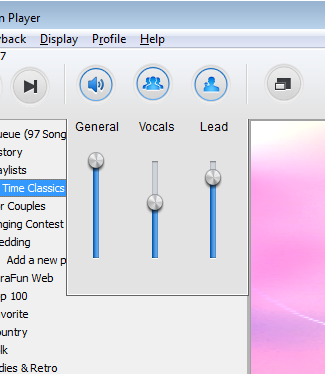
If available, you have the option to add or remove the vocal guide along your voice.

In order to do so, follow these steps:
  • Open the songs you want to sing
  • Start playing it
  • Click on the music note icon in the top right hand corner
Everytime you click, KaraFun Player will either turn on or mute the backing vocals and vocal guide track.
Was this information helpful?
Yes No
Not finding an answer to your question? Look for more questions on the Help Center home page.
Copyright © 2004-13, RECISIO - MP3 Karaoke - All rights reserved. Terms of service Privacy policy